Birds Music – A Procedural Audio-Visual Experience

Birds Music – A Procedural Audio-Visual Experience

A fully procedural, interactive audio-visual “relaxation toy” built with Three.js and its WebGPU renderer. It simulates a flock of thousands of birds (boids) whose movements generate a dynamic, generative musical soundscape. Users can interact with the flock using their mouse and customize nearly every aspect of the visual and flocking behavior through a detailed control panel.

This project is an alpha release prototype of a work in progress. Stay tuned for more updates.
Currently closed source due to early stage prototype but will eventually go open source when it’s cleaned up a bit.

Requirements

  • JavaScript (ES6+): The browser must support JavaScript version 6 or higher.
  • WebGPU: The browser must support WebGPU. A modern version of Chrome or Edge is recommended for the best WebGPU support

How To Run

Click this url Birds Music to open and run in your browser. Maximise your browser for best experience.

Features

  • High-Performance WebGPU Simulation: Utilizes WebGPU compute shaders via Three.js Shading Language (TSL) to simulate up to 32,768 birds smoothly on the GPU.
  • Interactive Flocking: Classic boids algorithm (Separation, Alignment, Cohesion) with additional parameters for “freedom” and “center attraction”.
  • Dynamic Mouse Interaction: The mouse pointer acts as a repulsive force, allowing you to “disturb” the flock and influence its movement.
  • Procedural Audio with Tone.js:
    • Generative Soundscapes: Five unique, selectable soundscapes (e.g., Ambient, Forest, Ocean) with different chord progressions, tempos, and synth textures.
    • Interactive Sound:
      • Flock activity level dynamically influences the background ambience
      • Mouse movement speed generates a corresponding “wind” sound, enhancing the feeling of interaction.
  • Advanced Visual Customization:
    • Lighting: Full control over a directional light (color, intensity, position) and an ambient light.
    • Procedural Skybox: Customize the sky with gradient top/bottom colors and overall intensity.
    • Bird Material: Switch between Matte, Glossy, and Metallic materials with adjustable shininess and opacity.
    • Bird Size: Randomize the size of individual birds or reset them to a uniform scale.
  • Comprehensive GUI: A lil-gui panel provides real-time control over all simulation, lighting, material, and camera parameters.
  • Preset System: Save your favorite configurations as presets in your browser’s local storage. Load, delete, and switch between them easily. Comes with several built-in presets to showcase different moods.
  • Intelligent Camera:
    • Standard OrbitControls for manual navigation.
    • An auto-rotation feature that gracefully kicks in after a few seconds of inactivity, turning the experience into a dynamic screensaver.

Technical Breakdown

  • Core Technologies:

    • Three.js: The foundational 3D library.
    • WebGPU Renderer: Leverages the modern, high-performance WebGPU API for rendering and computation.
    • Three.js Shading Language (TSL): Used to write the GPU-based bird simulation logic in a JavaScript-friendly way.
    • Tone.js: A powerful Web Audio framework for creating the complex, scheduled, and interactive procedural music and sound effects.
    • lil-gui: For the user-friendly control panel.
  • Simulation Architecture:

    • The position and velocity of each bird are stored in GPU buffers (instancedArray).
    • Two compute shaders are dispatched on every frame:
      1. computeVelocity: Calculates the new velocity for each bird based on flocking rules, mouse interaction, and other forces.
      2. computePosition: Updates the bird’s position based on its new velocity.
    • This entire simulation runs on the GPU, freeing the CPU to handle audio, UI, and other logic, enabling a very large number of birds.
  • Rendering:

    • A single BirdGeometry is created for the bird model.
    • The birds are rendered using a single draw call via GPU instancing.
    • A custom NodeMaterial (written in TSL) reads the position, velocity, and scale for each instance from the GPU buffers to correctly position, orient, and scale each bird in the scene.

How to Use & Explore

This application is designed for exploration and relaxation. Here are some ways to get started:

  • Basic Interaction: Simply move your mouse across the screen. You’ll see the birds react to your pointer, and you’ll hear the “wind” sound change with your movement speed.

  • Camera:

    • Click and drag to rotate the view.
    • Right-click and drag (or two-finger drag) to pan.
    • Scroll to zoom in and out.
    • Stop moving the mouse for a few seconds, and the camera will begin to rotate automatically.
  • Audio Controls (Bottom-Left):

    • Click “Audio Controls” to expand the panel.
    • Press “Play Music” to start the generative soundscape.
    • Use the sliders to adjust the master volume, the volume of individual musical layers (Melody, Synth, Pad), and the amount of reverb.
    • Use the “Soundscape” dropdown to completely change the musical theme.
  • Simulation Controls (Top-Right):

    • Click the “Simulation Controls” bar to open the main GUI.
    • Presets: The best way to start is by trying the different options in the “Load Preset” dropdown. This will show you the vast range of possible aesthetics.
    • Flock: Adjust SeparationAlignment, and Cohesion to change how the birds fly together. Low separation and high alignment/cohesion create tight, flowing murmurations.
    • Lighting: Play with the SkyboxDirectional Light, and Ambient Light folders to become a virtual cinematographer. Change the time of day, create alien worlds, or go for a moody, dark atmosphere.
    • Bird Material: Switch the Type to Metallic and increase the Shininess for a completely different look.
    • Randomize! Don’t be afraid to use the “Randomize” buttons in each section to discover unexpected and beautiful combinations. If you find one you like, give it a name in the “Presets” panel and save it!

Credits

This project was inspired by the original three.js birds examples and further procedural audio/visual extensions were implemented by sonicviz.com.

Generative AI Music System

Algorithmic Music with seeded HMM and Stochastic Noise

A demonstration of a prototype generative music system using a variety of techniques from seeded HMM to stochastic noise.

The prototype has two generative music systems:

  • A generative controller that uses a hidden markov model to generate new compositions from a seed music database
  • A random music generator using a variety of algorithms from a windchime emulator to stochastic noise.

The system is built with Java, and uses an open source synth ZynAddSubFX as the sound source.
It was written in 2006  based on research work I did for my Music Masters degree in 2003, and I’m currently porting parts of it to C#/Unity & HTML5/WebAudio.

In 2007 I produced 2 relaxation music albums each with 4 x 15 minute tracks using this system, mixed with ambient environment nature sounds from another generative system. Currently these are offline but I hope to redistribute them again sometime. Here is a track from Album #1:

Generative music systems are a rich field of exploration, and the methods presented here are well known.
I have extended them a little more with some added features such as:

  • Object database containing seed compositions with metadata
  • More parameters for randomization and variability
  • More experimentation with noise generation algorithms to drive music generation

Potential uses of such as system are varied:

  • Affective computing  – detected user emotions to drive system feedback via music mood matching
  • Art and music therapy
  • Music education

Some screen shots are below, followed by a video that briefly explains both systems.
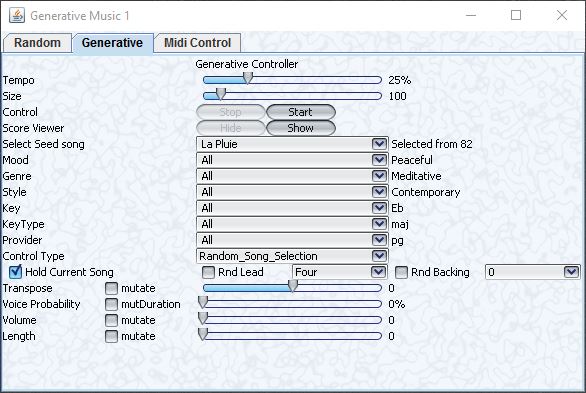
Seeded HMM Generative Music Generator

Seeded HMM Music Generator

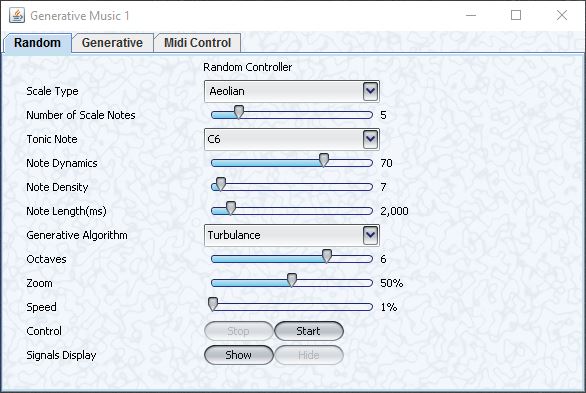
Stochastic Random Generative music generator

Stochastic Random music generator

Check out the video for a more in depth explanation.

You can read more about my music research here:

Spatial Music R&D


Spatial Music R&D

Sound/Music R&D

I completed a Music Masters degree in 2002 focused on Real Electronic Virtual instrument design and performance (see also http://www.linseypollak.com/past-projects/rev-real-electronic-virtual/ ).

I’m deeply interested in music technology and new music genres across all boundaries. I’m also a producer/developer of educational apps such as the benchmark Harmonica training app HarpNinja. As a Creative Technologist I also work with  different technologies across many areas.

Update: 2018-06-02: Accepted into Oculus Start Developer Program
Update 2018-01-09: Selected by Microsoft for the Windows Mixed Reality Developer Program .

Currently exploring new areas in music and sound with VR/AR/MR, AI/ML,  and spatial audio/music with various projects and collaborations, such as:

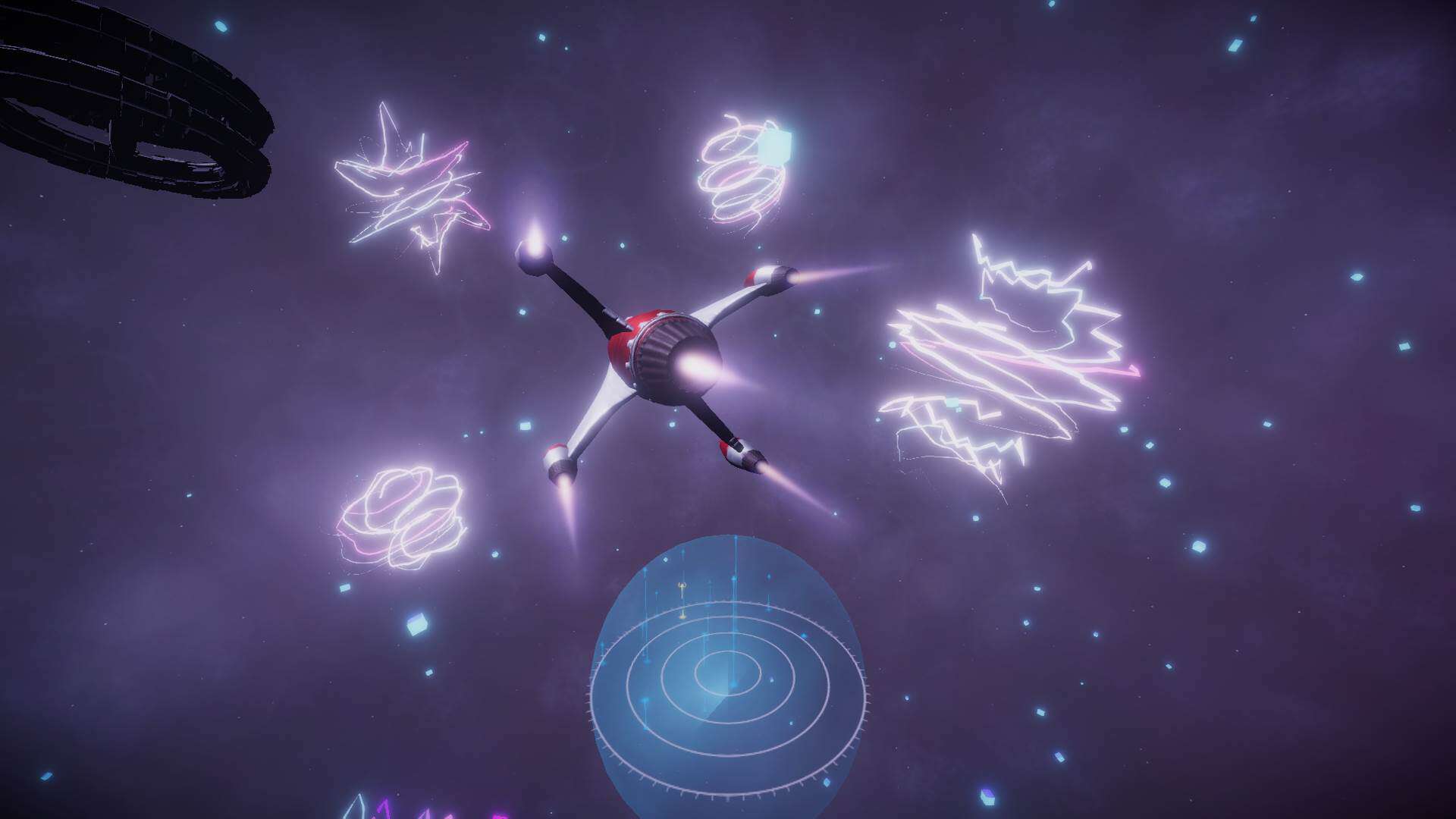
Groove Pilot

Wings

Music Flow

Spatial Music Visualizer

Immersive Audio and Musical AI

Generative Music System

Since 2005 I’ve performed online in virtual worlds like SecondLife playing solo (with and without my robot backing band) and also real time music jamming with multiple musicians located in different countries. You can check out my live online music performance website @ http://komuso.info/ and you also read more about it in the Streaming Live Music project.

You can hear some of these musical explorations on hearthis:

You can hear some of these musical explorations on Soundcloud:

Here’s a video demonstrating live networked music performance between myself in Tokyo and fellow SL musician Hathead Rickenbacker in Toronto, Canada.

Generative music systems are an interesting area that I’ve done a lot of research and experimentation in as well.
Moozk was an experimental audio visual app I developed for public use using a wacom pen tablet to drive a painting application that also produced generative music as you drew. Kids seemed to love it.

Blue Noise was an experimental audio visual performance using an eBow, slide guitar, digital effects and a PC running audio responsive custom designed graphics.

I’ve given some talks and performances about live music in SecondLife:

. Mixed Reality Komuso On The Future of Music Online

. SynaesthAsia: Dynamic, Live Music/Visual Spectacular from Musicians in Two Countries

Wings

What is Wings?

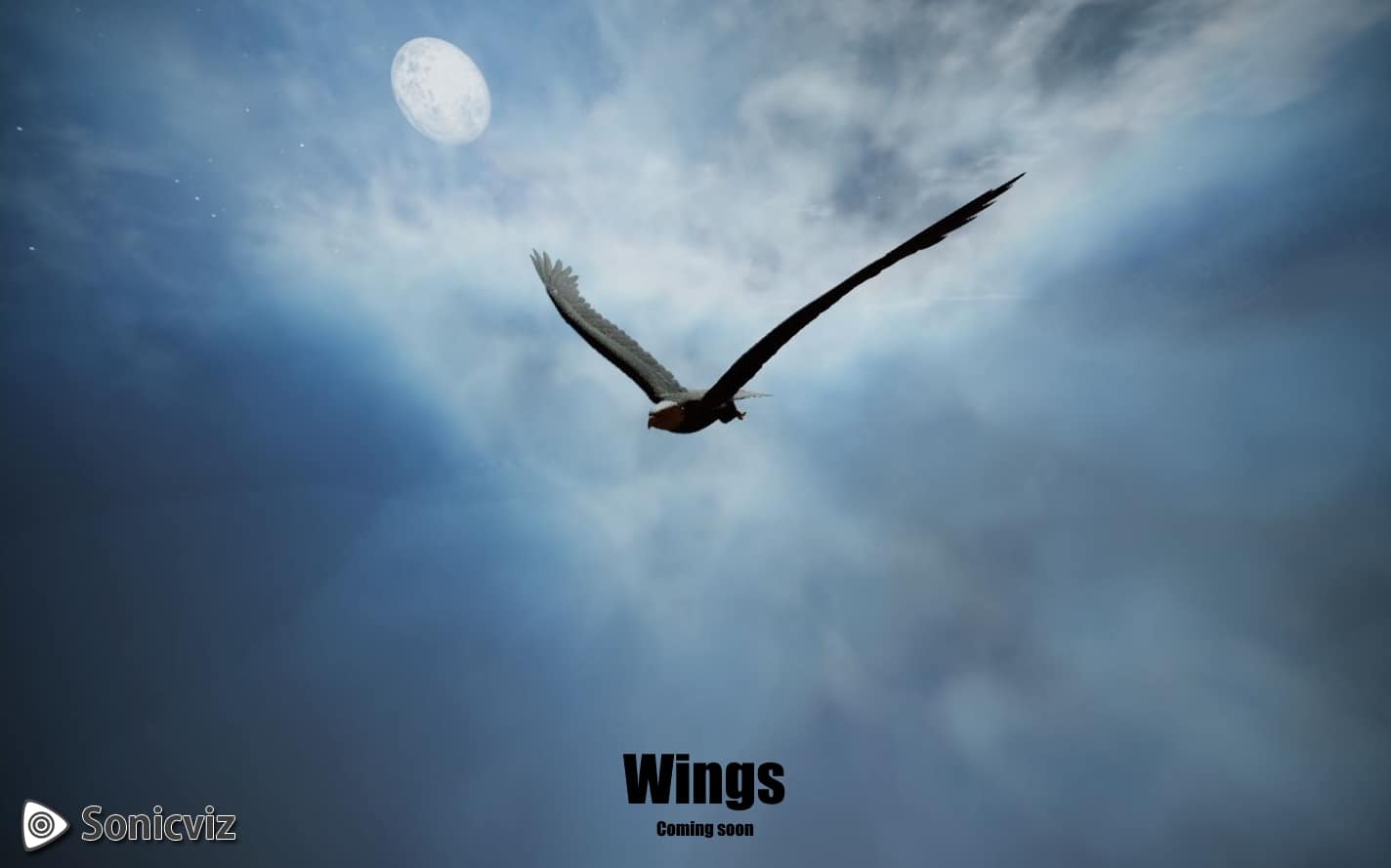
Wings is a Therapeutic VR prototype with interactive music and procedural visuals/camera.

The environment (time of day, speed, cloud cover etc) + adaptive music score (high quality emotive orchestral cinematic)  is driven by AI or responsive to bio/neuro feedback.

Update 2018-01-09: Selected by Microsoft for the Windows Mixed Reality Developer Program .

I did a talk about the development approach at VR Hub Tokyo Year-End Meetup Vol.4 | Health & Fitness with VR and AR titled “Design Framework for a Therapeutic VR app”.

What is Therapeutic VR?

It’s using VR in a variety of therapeutic contexts to achieve increased efficacy of targeted treatment protocols for areas such as:

  • Pain Management
  • PTSD
  • Stress Reduction
  • Exposure Therapy
  • Rehabilitation and Physical Therapy
  • ++

Watch some examples at https://www.virtualmedicine.health/videos

Related projects are:

Some video from the presentation:

VR app test version video:
Pin It on Pinterest